 Mockitt AI: An AI App Generator for Interactive Prototypes
AI
App Generator for Interactive Prototypes
Describe an app idea in natural language. Mockitt AI creates a multi-screen prototype draft with interactive transitions for review. Refine the flow with follow-up prompts, then inspect any exported code before handoff.


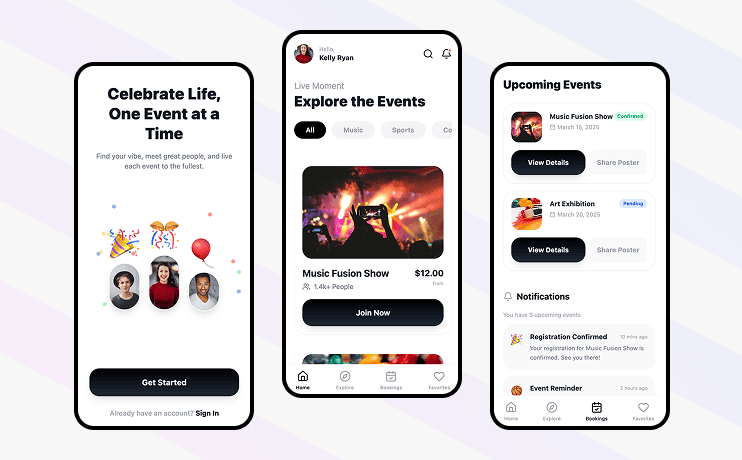
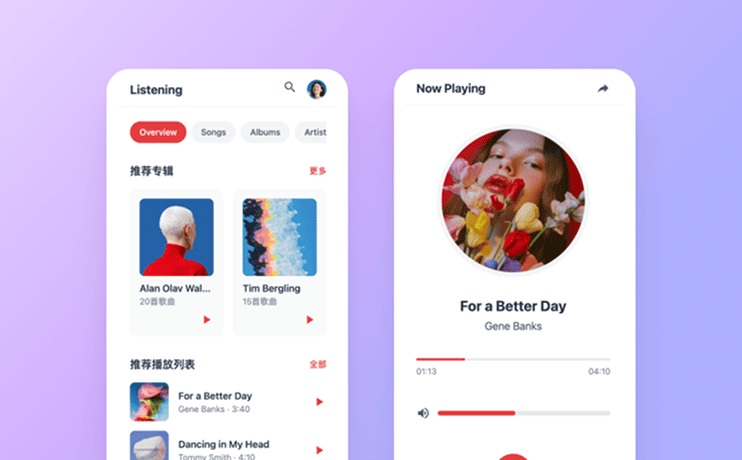
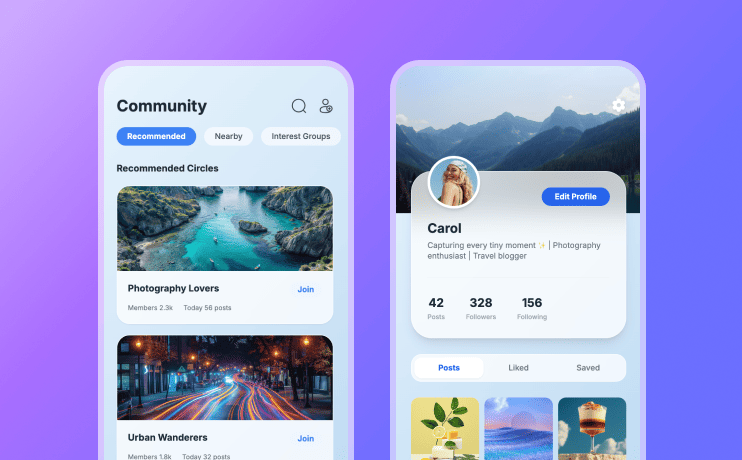

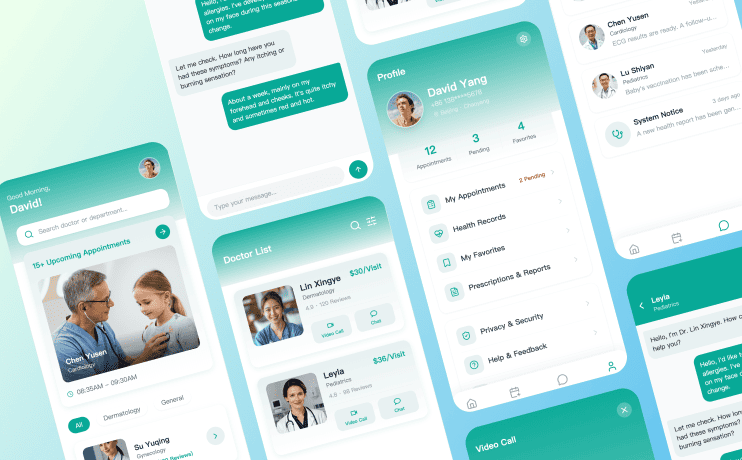
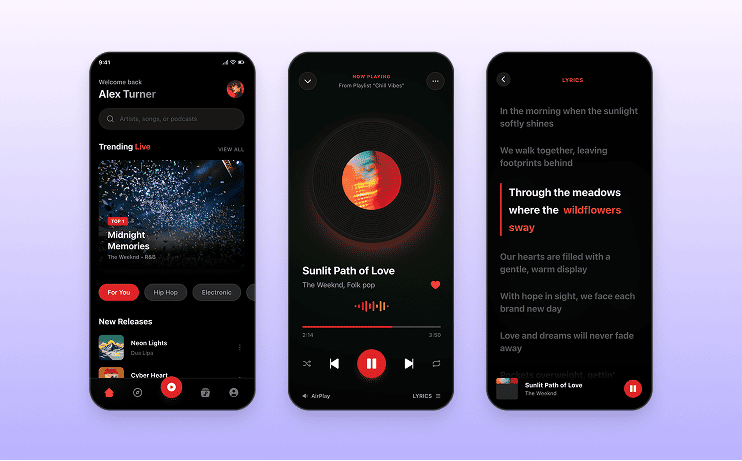
From App Idea to
Reviewable Prototype
Use Mockitt AI as a prototype-first app generator: describe the experience, inspect the screens and interactions, and refine the draft with your team.
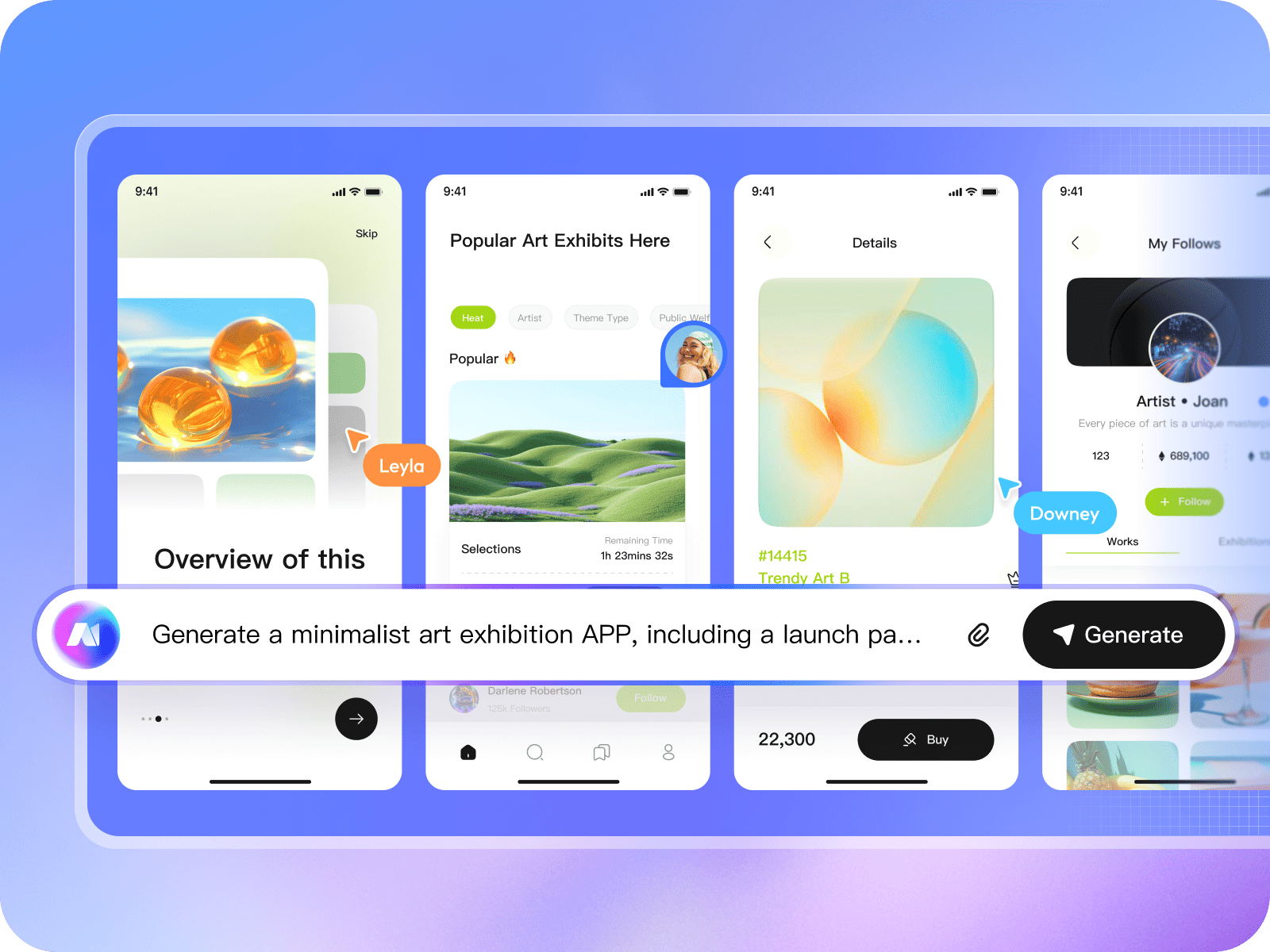
Describe an App Generate a Prototype
Describe the audience, screens, and core flow in natural language. Mockitt AI creates a multi-screen design draft that you can review and refine as a clickable prototype.
-
 Natural language prompt input
-
 Multi-screen prototype drafts

Shape the App Interface Draft
Review the homepage, detail views, and shared components in one draft. Adjust colors, spacing, typography, and visual direction as the concept develops.
-
 Explore connected screens
-
 Unified components and styles
-
 Keep visual decisions consistent
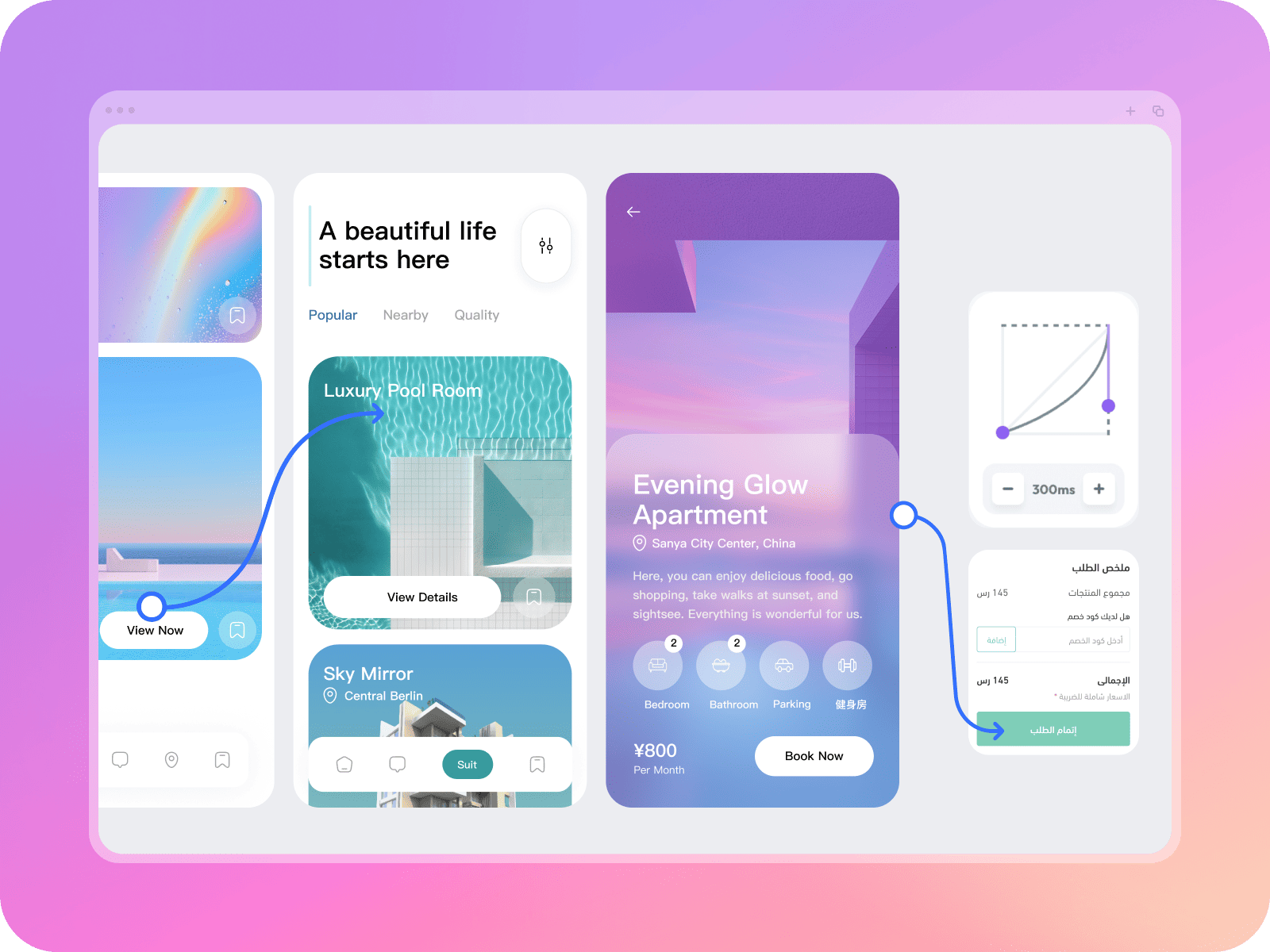
Preview the User Flow
Preview supported screen transitions, modals, and scrolling interactions so your team can discuss the flow before implementation.
-
 Clickable prototype preview
-
 Rich Transition Effects
-
 Gestures and Scrolling Interaction
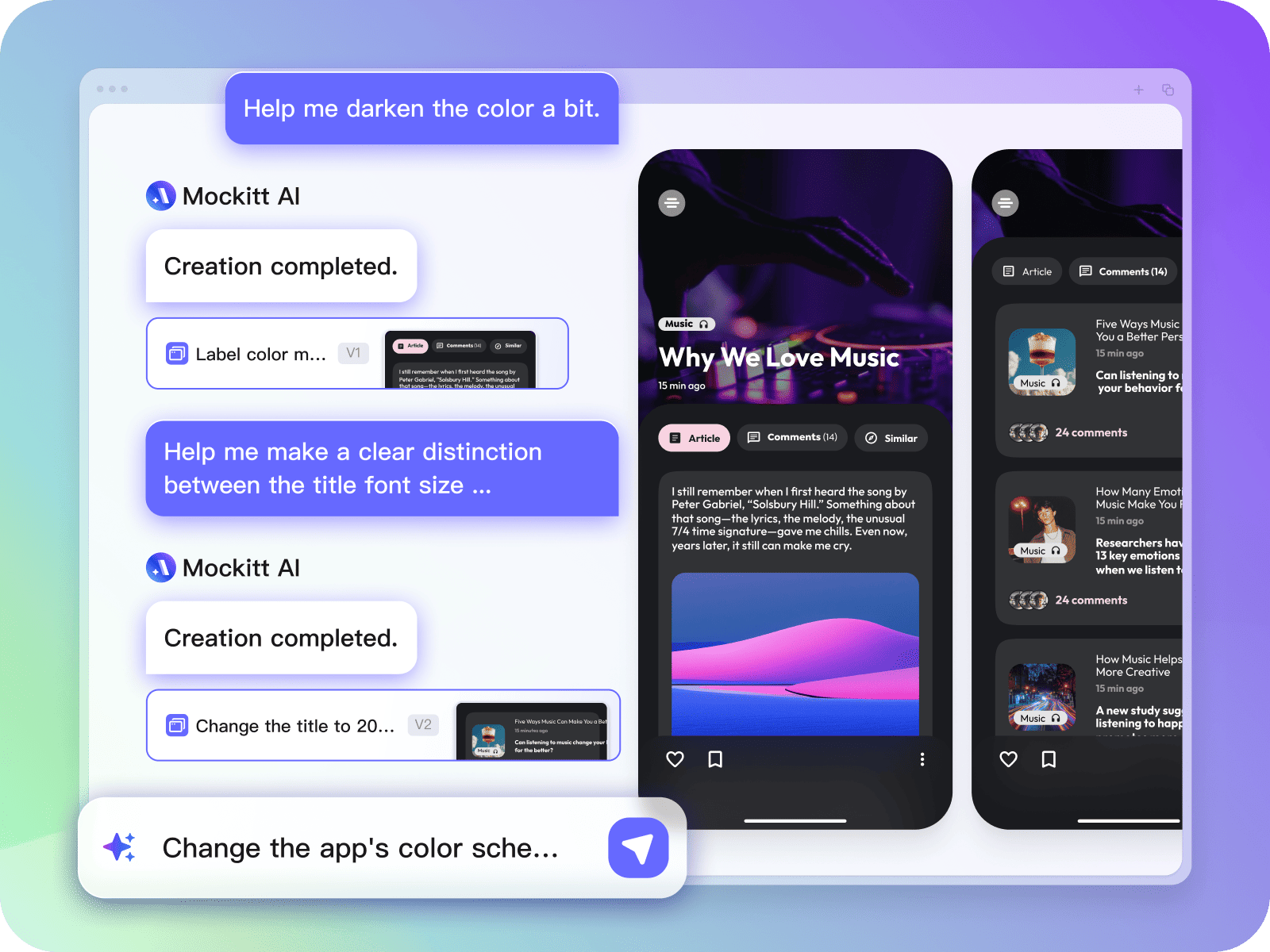
Iterate by Chat Keep the Context
Use follow-up prompts to adjust colors, layouts, copy, or sections. Keep the original goal in view while you compare each new prototype draft.
-
 Natural Language Editing
-
 Keep Historical Versions
-
 Precise Local Modifications
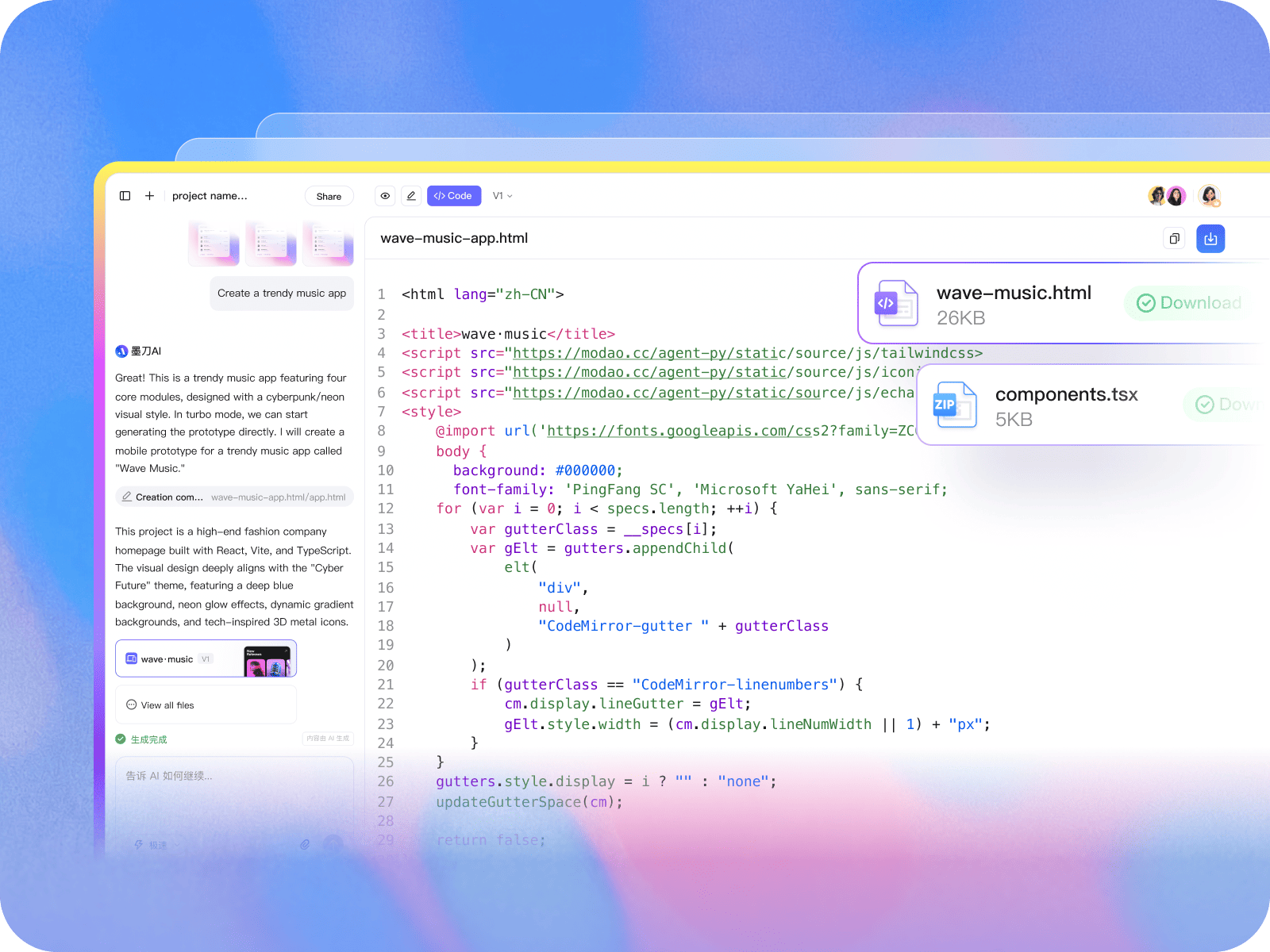
Export a Code Draft
Export React and Tailwind code drafts with a clear structure. Developers should review and adapt the output before integrating it into a project.
-
 React + Tailwind
-
 Clear component structure
-
 Review before integration
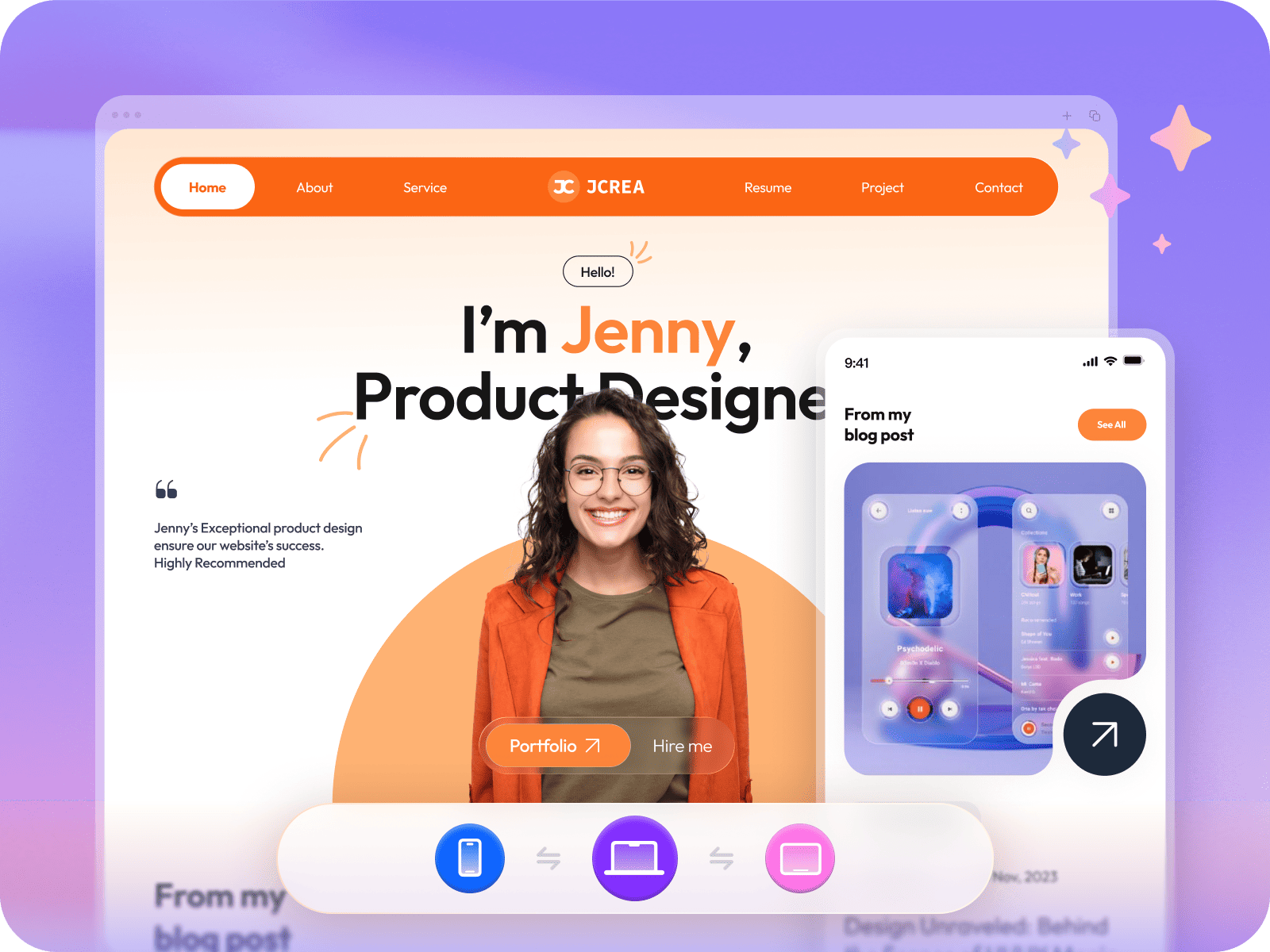
Review App Ideas
Across Screen Sizes
Use the same product brief to explore desktop web, tablet, and mobile layouts, then review the differences with your team before implementation.
-
 Desktop Web
-
 Tablet layout review
-
 Mobile App
From Prompt to Prototype with Mockitt AI
4 StepsFrom App Idea to Team Review
-
01
Describe the App
Tell the AI who the app serves, which screens it needs, and how the core flow should work.
-
02
Generate a Draft
Review a multi-screen UI draft with the structure, content, and interactions suggested from your prompt.
-
03
Refine with Chat
Use follow-up prompts to adjust details, compare iterations, and align the prototype with the brief.
-
04
Share or Export for Review
Share the interactive preview or export a code draft for developers to inspect and adapt during handoff.
Why Teams Use Mockitt AI for App Concepts
A shared starting point for product, design, and development teams to explore and review app ideas.
-
A Prototype-First Workflow
Move from a product brief to a reviewable interactive draft, then discuss the flow with your team.
Draft Prototype starting point -
Structured Design Drafts
Keep screens, components, and visual decisions together while the prototype is being reviewed.
UI Editable design draft -
Context-Aware Refinement
Use follow-up prompts to adjust the draft while keeping the next iteration tied to the original goal.
Chat Iterative edits -
Team Review
Share a prototype draft with product, design, and engineering partners to discuss the flow.
Teams Shared feedback -
Workspace Controls
Use the workspace and available team controls that match your organization’s review process.
Access Team controls -
Deliberate Iteration
Compare versions, make focused changes, and keep open questions visible as the concept develops.
Edit Focused changes


Explore More AI Workflows
Start from an app brief, roadmap, document, or diagram. Choose a workflow and review the result with your team.

AI App Generation
Describe app screens and create a multi-screen prototype draft for review.

AI Roadmaps
Turn product goals into a roadmap draft with milestones to discuss and refine.

AI Product Plan Generator
Organize product goals and market questions into a structured planning draft.

AI Mind Maps
Start with a topic and arrange related ideas into a mind-map draft.

AI Slides
Turn a topic and source material into a presentation draft for review.

AI User Story Map
Arrange user activities and stories into a map that helps teams discuss scope.

AI Slide Enhancer
Review slide layouts and visual hierarchy, then make focused refinements.

HTML to Prototype
Turn supported HTML into an editable prototype draft, then review the imported flow.

AI Flowchart
Describe a process and create a flowchart draft to review and adjust.