AI Presentation Enhancer
Improve Existing Slides with AI
Upload an existing PPT or paste an outline. Mockitt AI reviews the structure, suggests clearer layouts and visuals, and leaves the slides editable for your final review.

Improve Slide Layouts with AI
Start from an existing deck or outline. Mockitt AI helps you review content density, hierarchy, and visual consistency before you share.
How to Enhance a Presentation in 3 Steps

1. Upload Your Deck
Upload an existing PPT file, or paste a text outline or mind map to give the workflow context.

2. Review a Design Direction
Choose a visual direction and review suggested layouts, colors, and typography before applying changes.
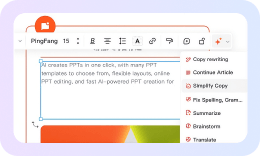
3. Edit and Export
Preview the result, adjust text or images, and export an editable PPTX or PDF for review.
Focus on the Story, Not Manual Formatting.
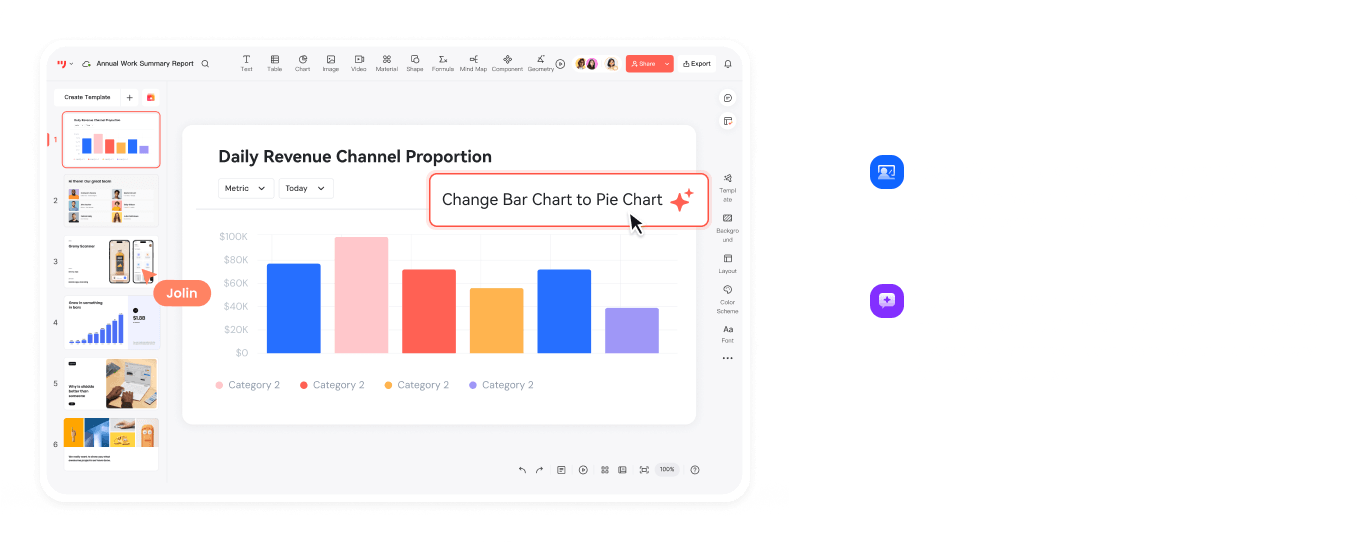
More AI Design and Presentation Workflows
Use Mockitt AI for related product and presentation tasks, then return to your slides when the story and layout are ready.

AI Presentation Enhancer
Review slide structure, hierarchy, and visual consistency before you export.

AI Prototyping
Turn product ideas into interactive prototypes from prompts, then edit the flow.

AI Roadmaps
Plan milestones and timelines from your goals, then adjust the roadmap.

AI Product Plan Generator
Draft product strategies and market analysis for review.

AI Slides
Create an editable presentation draft from a topic or outline.

AI User Story Map
Organize user stories and feature backlogs into a reviewable product map.

HTML to Prototype
Turn HTML into an editable prototype for review.

AI Flowchart
Turn process notes into an editable flowchart for discussion.

AI Mind Maps
Structure a topic into an editable mind map for brainstorming.