Mockitt AI Slides
AI Presentation Generator
Start with a topic,
outline, or document. Mockitt AI turns your source material into an editable presentation draft
that you can review, refine, and share with your team.
Start with a topic,
outline, or document. Mockitt AI turns your source material into an editable presentation draft
that you can review, refine, and share with your team.
 Generate with AI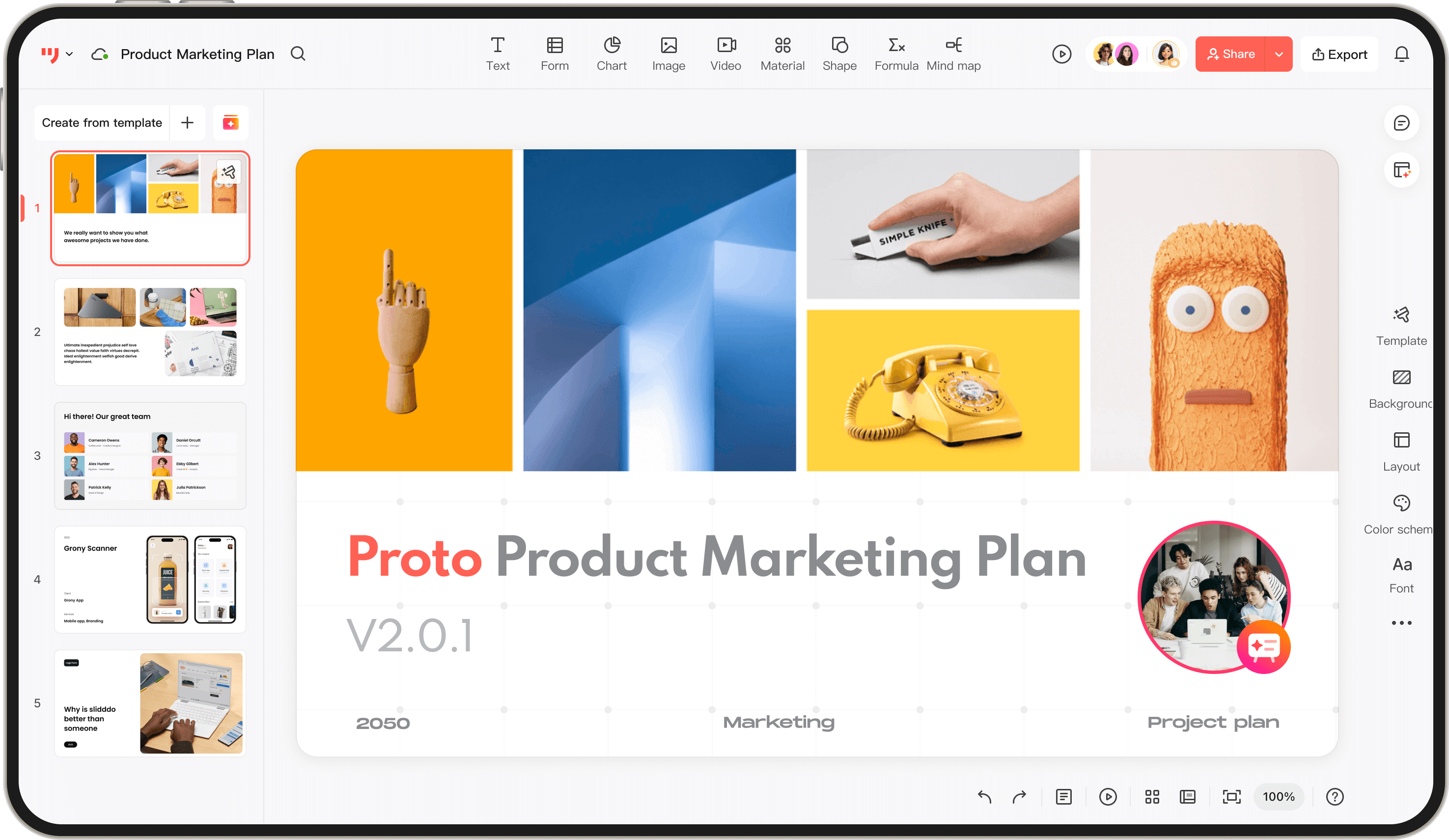







From a Topic to an Editable
Presentation Draft
-
Presentation draft from a prompt
Describe a topic and let AI propose a slide structure, draft copy, and a visual direction you can edit. -
AI-assisted story structure
Shape the narrative with an outline, section headings, concise body copy, and suggested visuals for review. -
Visual and template suggestions
Explore theme-aware layouts, images, icons, and vector assets while keeping the presentation editable.
Turn Source Documents
into a Slide Outline
-
Import source material
Bring supported Word, PDF, TXT, or Markdown content into the presentation workflow for review. -
Review the structure
Let AI identify headings and content relationships, then adjust the outline before drafting slides. -
Build the slide draft
Use the reviewed outline as a starting point for slide content, layouts, and further editing.
Explain Data with
Clearer Presentation Slides
-
Charts from table data
Add table data and choose from common chart types such as bar, pie, and line charts. -
Reusable table layouts
Start with table components, then edit labels and values to fit the story your audience needs. -
Theme-aware visual consistency
Keep chart colors aligned with the presentation theme while you refine the final visual hierarchy.
Review Presentations
Together with Your Team
-
Collaborative editing
Work with teammates in the same presentation workspace and keep edits visible for review. -
Comment-driven review
Discuss slide content, mention teammates, and turn feedback into clear next steps. -
Version history
Keep a record of revisions so the team can compare changes and return to an earlier direction when needed.
AI Presentation Workflows for
work, learning, and research.
Business
Education
Research
Manager
Brand
Data Analysis
Save preparation time
Quickly generate well-structured
and visually appealing presentation slides
Support clearer communication with a structured slide draft
Quarterly Report
Project Initiation
Competitor Analysis
Marketing planning
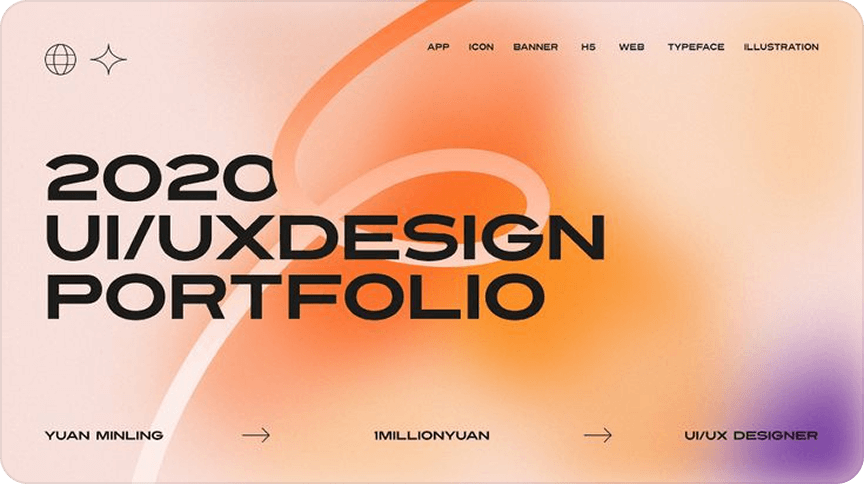
Import knowledge content for a structured slide draft
Generate teaching PPT drafts for review
Unify teaching style
Enhance learner comprehension and classroom engagement
Course Handouts
Training
Courseware
Public Speaking
Knowledge
Sharing
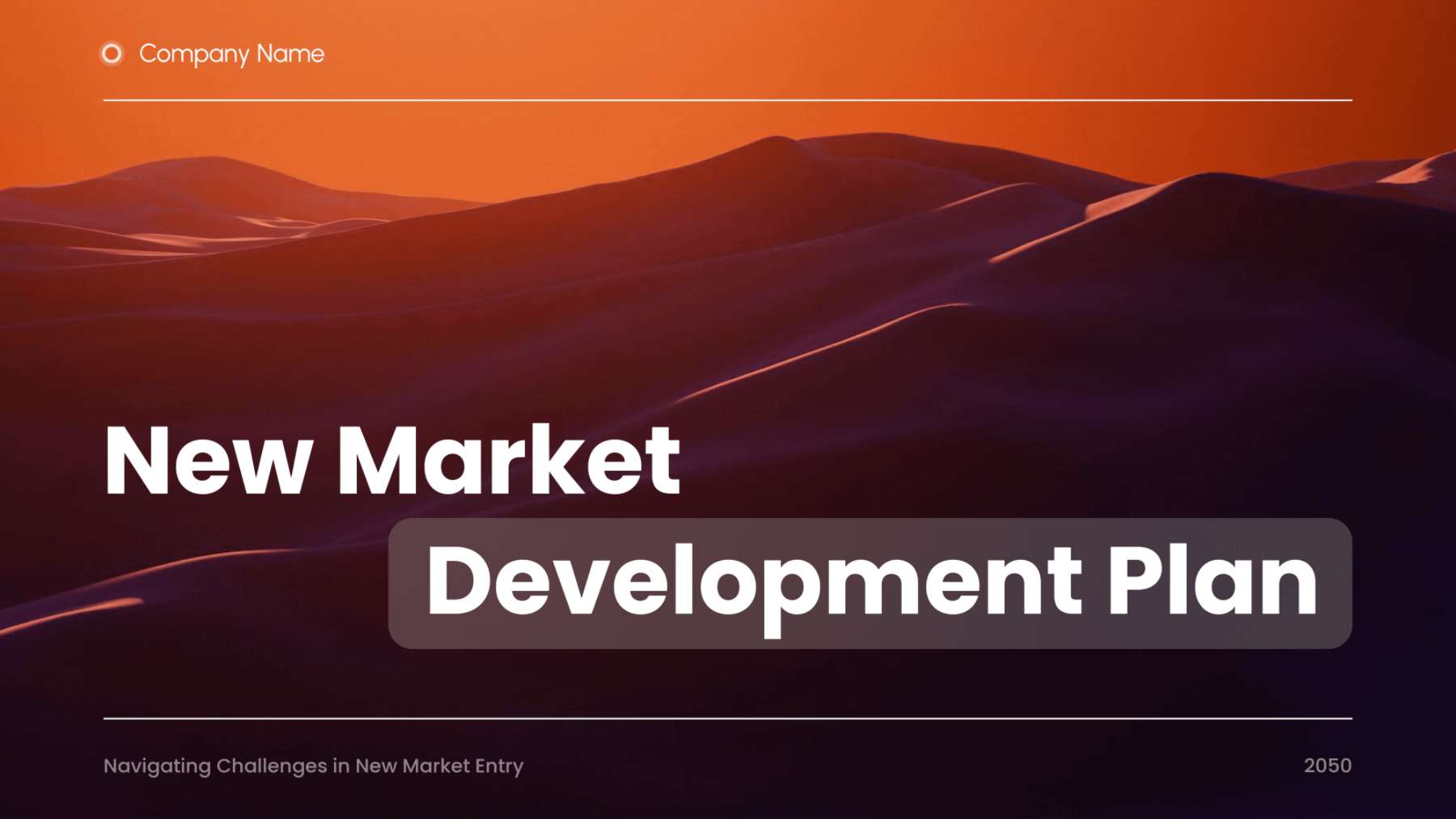
Extract structure from papers or reports
Draft presentation content for review
Pair charts and illustrations to support scientific communication
Draft presentation content for review
Pair charts and illustrations to support scientific communication
Results Report
Academic
Lecture
Proposal
Defense
Paper
Presentation

Enter keywords or import proposal documents
to generate presentation materials and quickly build a logically structured presentation framework.
to generate presentation materials and quickly build a logically structured presentation framework.
Product
Introduction
Project
Roadshow
Investment
BP
Requirement
Analysis

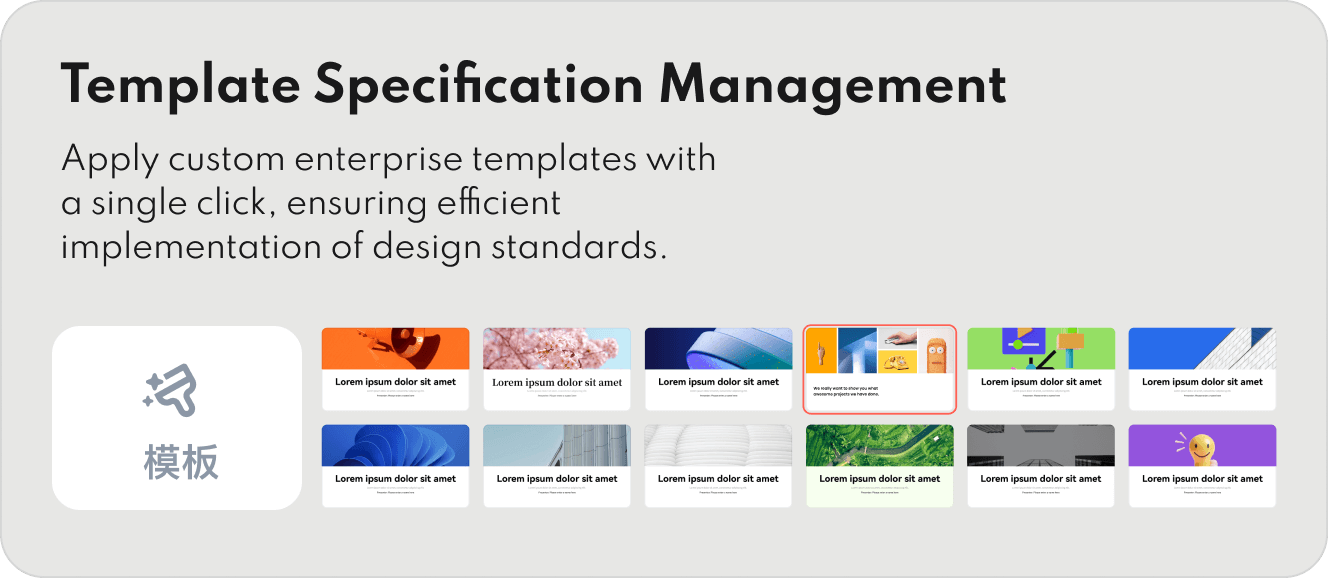
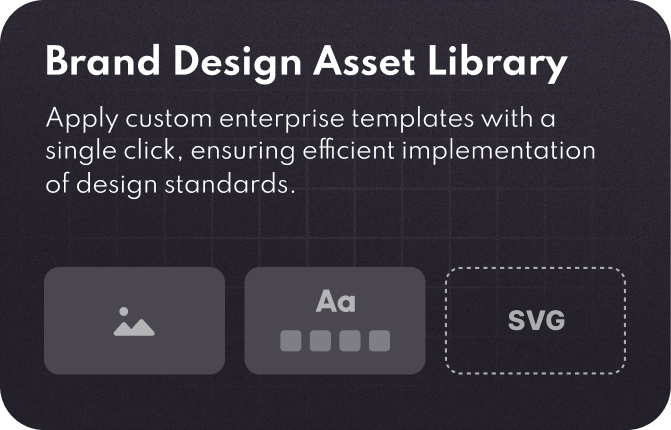
Batch-generate PPT templates compliant with brand guidelines
Unify visual language
Enhance brand consistency
Unify visual language
Enhance brand consistency
Brand Proposal
Style
Presentation
Event Planning
Competitor
Analysis

Create data charts and align them with the presentation theme
Refine chart layouts in context
Support clearer data interpretation
Refine chart layouts in context
Support clearer data interpretation
Data Report
Trend
Analysis
Visual Presentation
Conclusion
Report
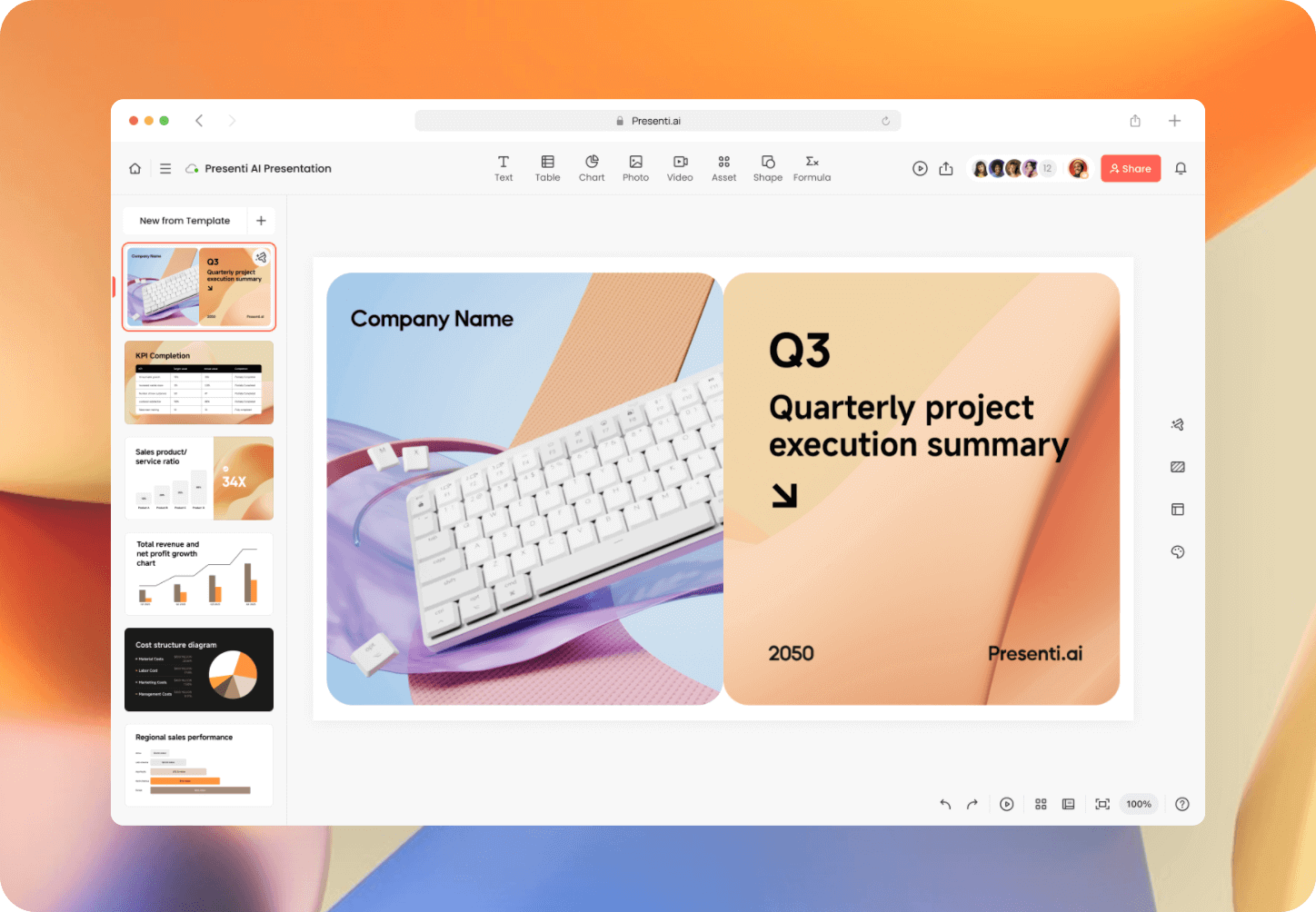
More AI Presentation Features
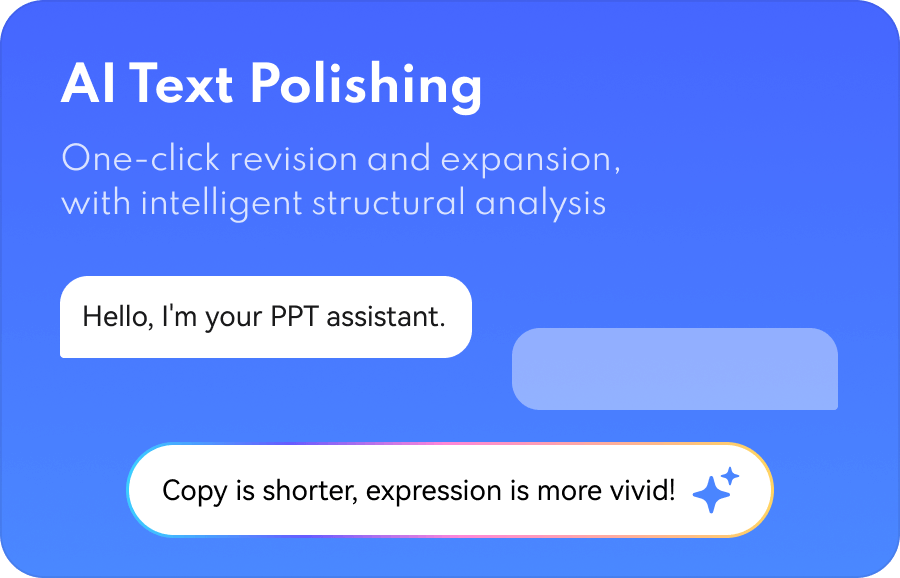
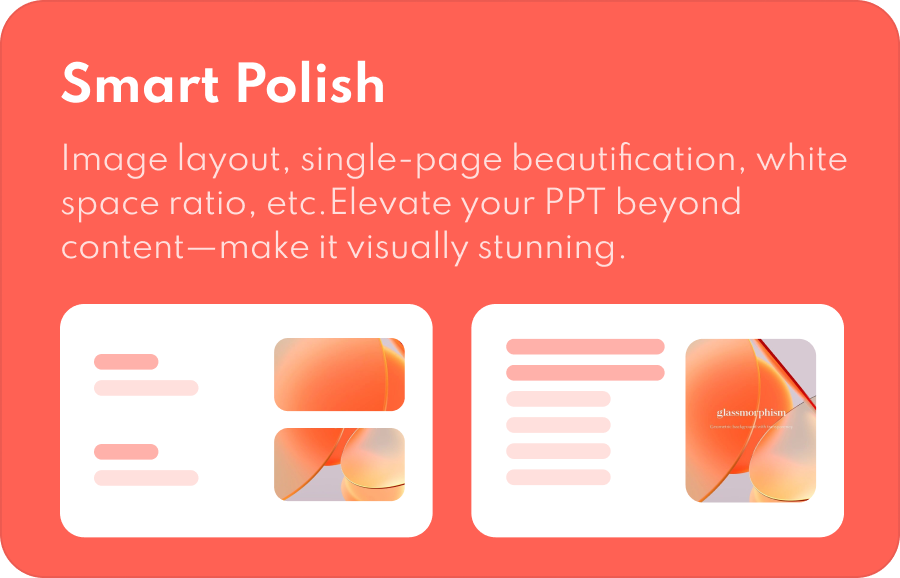
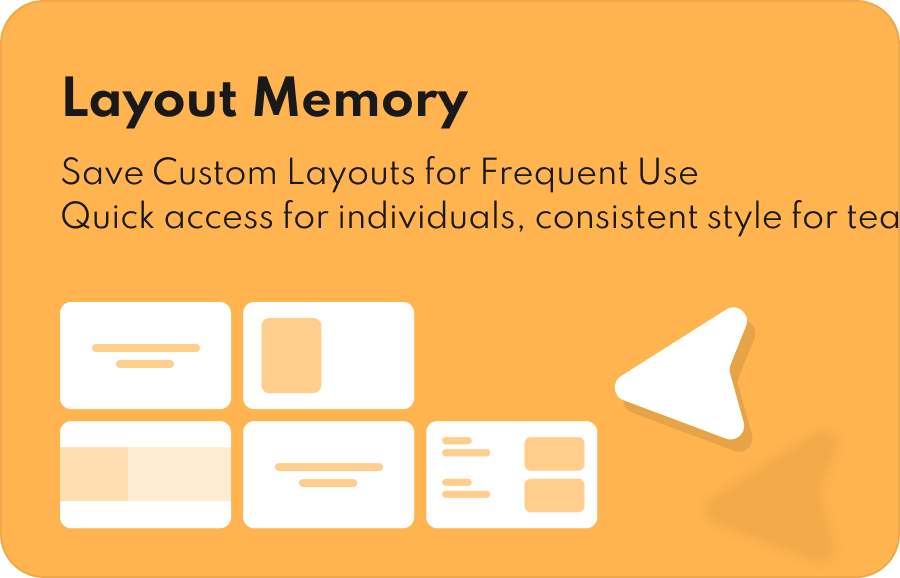
Presentation Workflows for Different Teams
Whether you're a planner racing against the clock at dawn or a workplace newbie stepping onto the stage for
the first time,
Mockitt AI slides helps you generate a
framework
with guided steps to shape your narrative.
All you need to do is focus on the core
value.
 Generate with AI