 Turn process notes into a visual workflow
 AI Flowchart Generator for
Process Notes

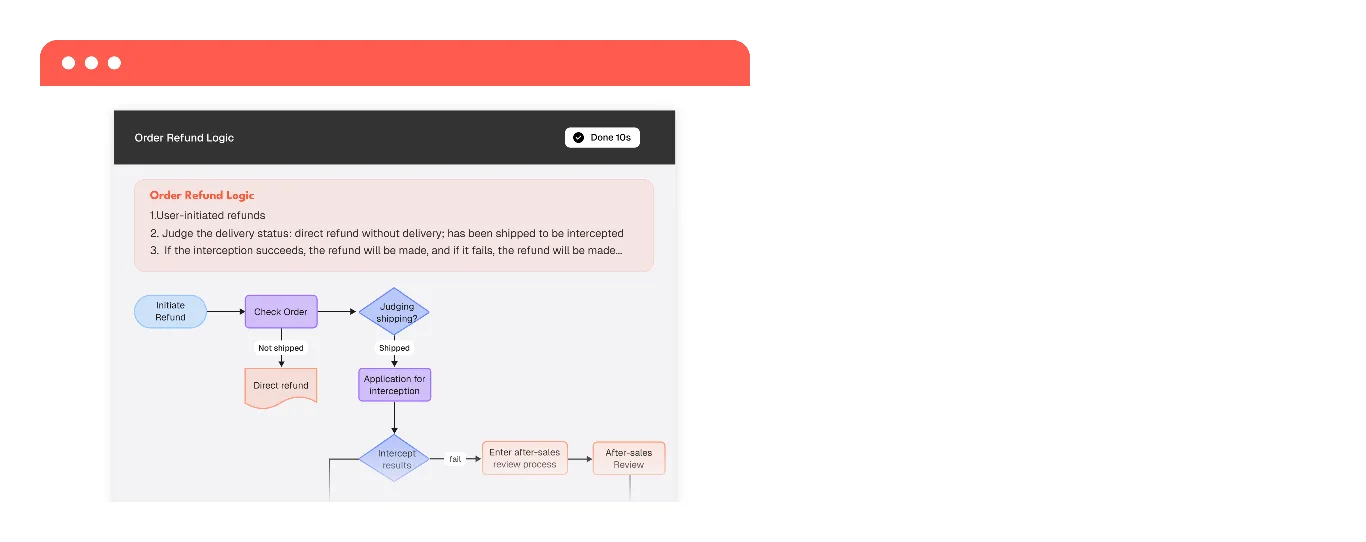
Describe a workflow, decision path, or set of steps in plain language. Mockitt AI creates a flowchart draft you can review, edit, and share.
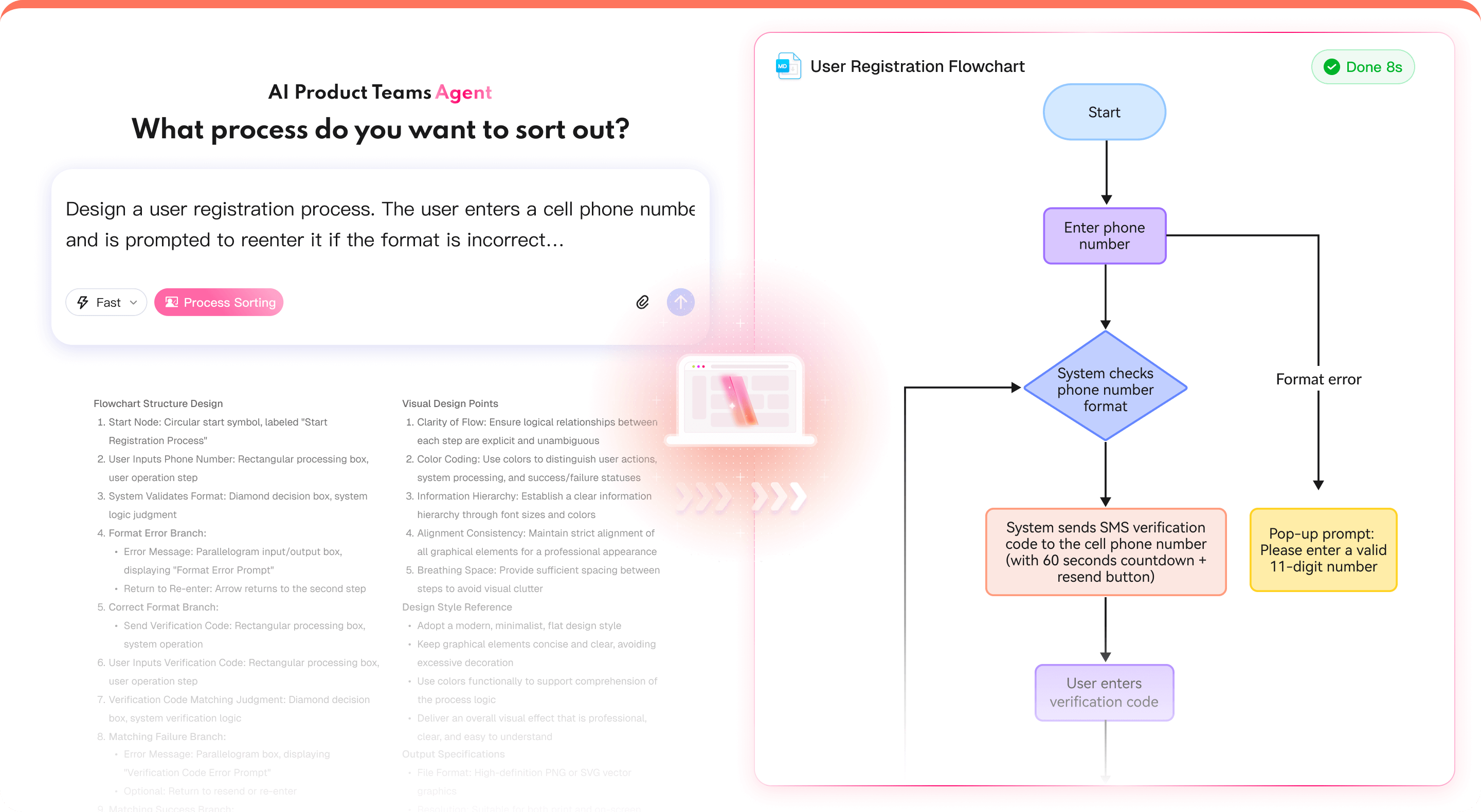
What an AI Flowchart Helps You Clarify
Translate process notes into a visual draft that teams can review, question, and refine.


Create an AI Flowchart in 3 Steps
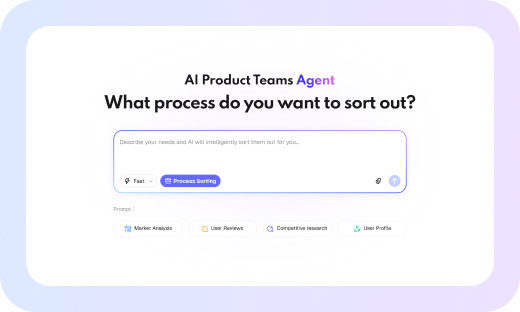
1. Describe the process
Write the start point, actions, decisions, and exception paths in plain language.
2. Review the flowchart draft
Mockitt AI organizes the described steps into nodes and connections for your review.
3. Edit and share the flowchart
Move nodes, refine labels, and prepare the flowchart for a PRD or team review.
 From Process Notes to:
 AI Flowchart

From Process Notes to:
AI Flowchart
Explore More Mockitt AI Workflows
Connect flowcharts with roadmaps, product plans, mind maps, slides, and prototypes.

AI Flowchart
Turn process notes into a flowchart draft for review and editing.

AI Roadmaps
Organize milestones, priorities, and dependencies into a planning draft.

AI Product Plan Generator
Structure goals, assumptions, and planning questions for team discussion.

AI Mind Maps
Turn a topic or source text into a structured mind-map draft for review.

AI Slides
Turn a topic and outline into a presentation draft for review.

AI User Story Map
Organize user stories and feature slices into a reviewable product map.

AI Slide Enhancer
Review slide layouts and refine visual hierarchy with focused suggestions.

AI Prototyping
Turn product ideas into an interactive prototype draft.

HTML to Prototype
Import supported HTML into an editable prototype draft.