AI User Story Map Generator
Describe a product goal, target user, or requirement. Mockitt AI proposes activities, steps, and user stories in an editable map that your team can review and refine.
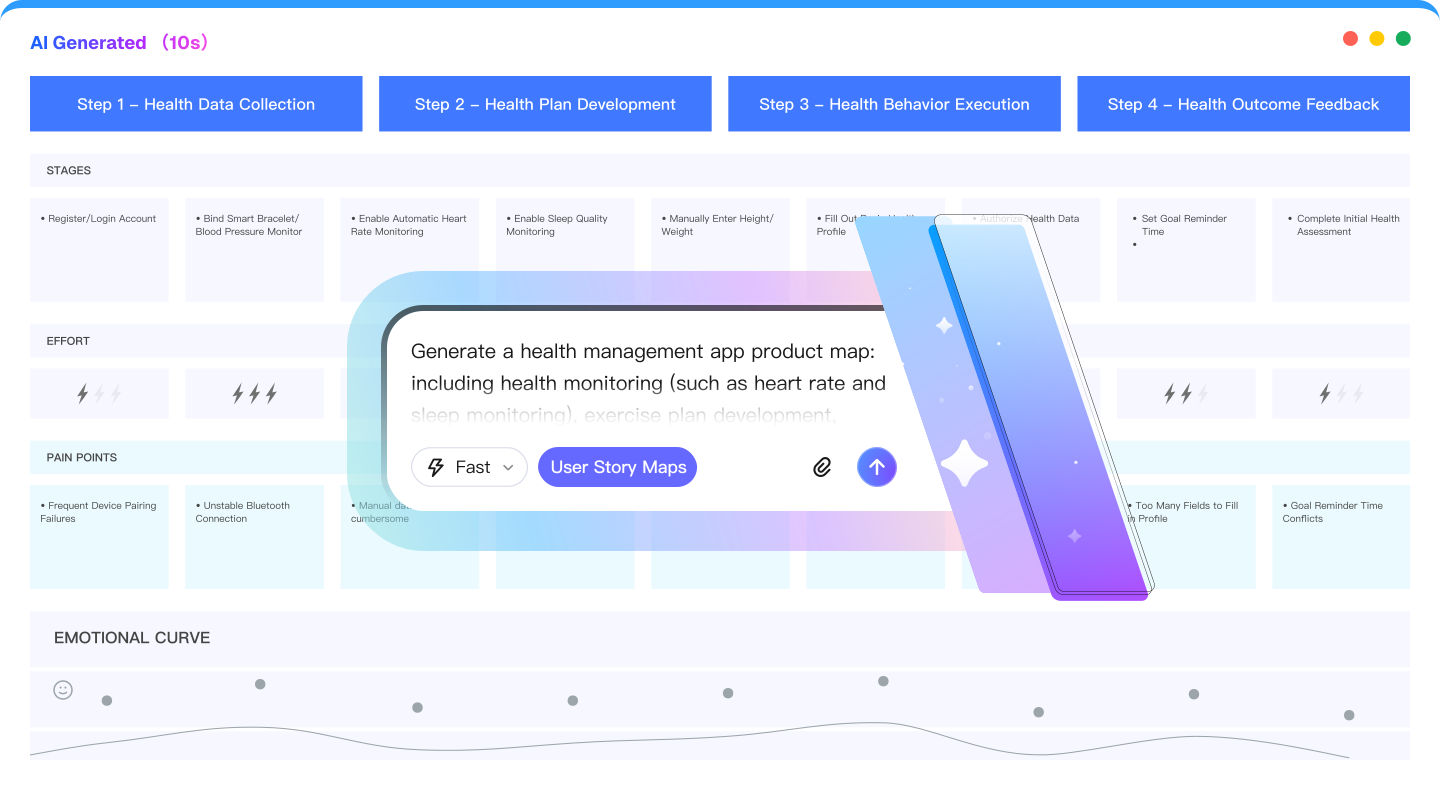
From Product Goals to a User Story Map
Organize the user's journey across activities, steps, and stories so product, design, and engineering can discuss the same scope.
How to Create a User Story Map in 3 Steps
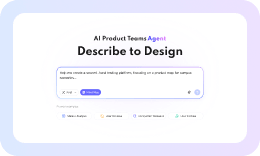
1. Describe the Product Goal
Share goals, target users, requirements, or a rough workflow to give the map context.
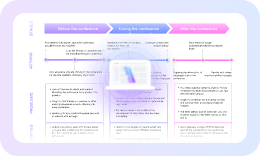
2. Review the Generated Map
Review proposed activities, steps, and stories; keep, remove, or rewrite cards before planning.
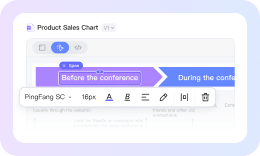
3. Refine and Plan Releases
Drag, drop, edit, and collaborate to prioritize stories and define release slices.
Make the User Journey Visible,
Give Product Planning
a Shared Structure
for Discussion
More AI Product Planning Workflows
Use related Mockitt AI tools to move from product discovery to requirements, prototypes, and presentation drafts.

AI User Story Map
Organize activities, steps, user stories, and release slices in an editable map.

AI Prototyping
Turn product ideas into interactive prototypes from prompts, then edit the flow.

AI Roadmaps
Plan milestones and timelines from your goals, then adjust the roadmap.

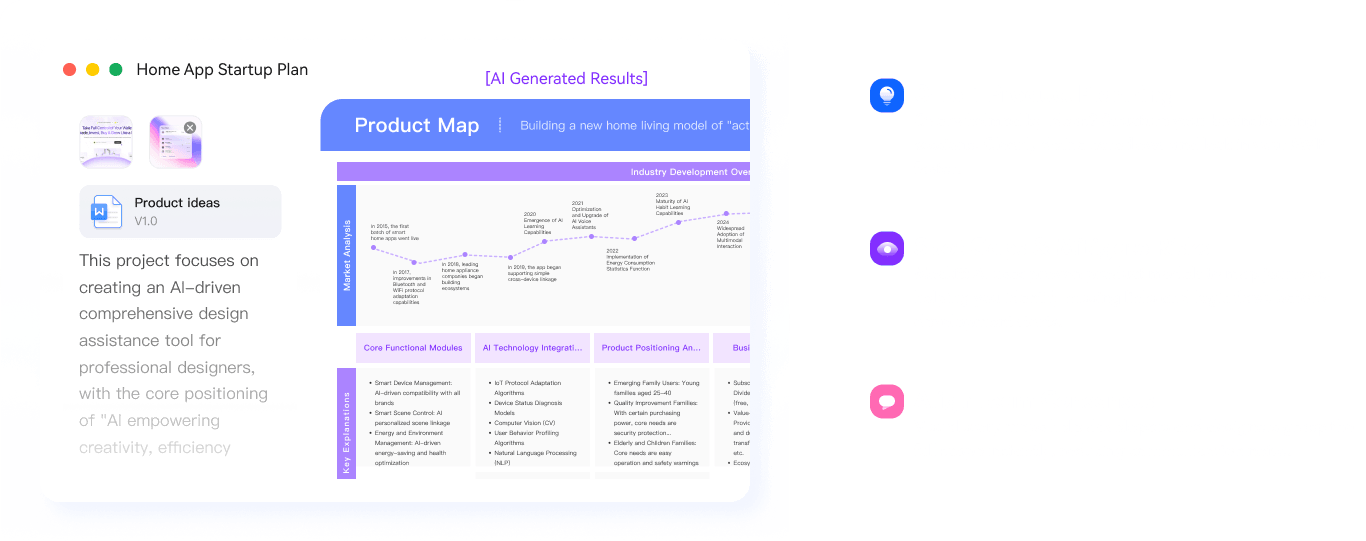
AI Product Plan Generator
Draft product strategies and market analysis for review.

AI Slides
Create an editable presentation draft from a topic or outline.

AI Slide Enhancer
Review slide structure, hierarchy, and visual consistency before you export.

HTML to Prototype
Turn HTML into an editable prototype for review.

AI Flowchart
Turn process notes into an editable flowchart for discussion.

AI Mind Maps
Structure a topic into an editable mind map for brainstorming.